
All our free online tools for audio, image and documents. No software to install, no sign-up and no watermarks: upload your file, pick the conversion you need, and download the result in seconds, from your computer or your phone.
🎵 Audio
 Convertir Audio🪇Playlists a MP3🎵Tonos de Llamada📹Vídeos Cortos🔥Tendencias🎬MP4 a MP3💬Subtítulos YouTube☁️SoundCloud a MP3🎶Suno a MP3✂️Cortar Audio🎚️Tono y Velocidad🖼️Miniatura YouTube
 WAV a MP3
 FLAC a MP3
 M4A a MP3
 OGG a MP3
 AAC a MP3
 OPUS a MP3
 MP3 a WAV
 MP3 a FLAC
 MP3 a OGG
 WAV a FLAC
🖼️ Imagen
 Convertir Imagen
 Quitar Fondo
 JPG a PNG
 PNG a JPG
 JPG a WEBP
 WEBP a JPG
 PNG a WEBP
 WEBP a PNG
 JPG a AVIF
 PNG a AVIF
 AVIF a JPG
 JPG a ICO
 PNG a ICO
 GIF a PNG
 BMP a PNG
 TIFF a PNG
 HEIC a JPG
 HEIC a PNG
📄 Documentos
Convert audio online: WAV, FLAC or M4A to MP3 and back
Besides the YouTube-to-MP3 converter, you’ll find format converters here for audio you already have saved. If you got a WAV or FLAC file too heavy to share over WhatsApp or email, convert it to 320kbps MP3 in seconds with no noticeable quality loss. If you recorded a voice note or audio on your phone in M4A and need a universal MP3 that plays on any device, or you have an OGG or AAC file from a game or app, you can convert those here too. And if you’re working the other way around — you need to turn an MP3 into WAV to edit it in an audio program, or into FLAC to archive it losslessly — that conversion is just as quick. The audio section also includes the full playlist downloader, the custom ringtone maker from any song, and the short video downloader for saving clips from TikTok, Instagram Reels or YouTube Shorts.
Convert images online: WEBP, AVIF, HEIC, ICO and background removal
The image section covers both classic formats (JPG, PNG, GIF, BMP, TIFF) and the ones used today by phones and the modern web. If you have HEIC photos taken with an iPhone and need them as JPG or PNG so they open anywhere, that conversion is here. If you run a website and want to reduce image file size without a visible quality drop, convert them to WEBP or AVIF — the formats Google recommends for faster page loads. You can also generate an ICO icon for a favicon from any image, or remove the background from a photo automatically, no Photoshop skills or installs required.
PDF and document tools: compress, merge, convert to Word and OCR
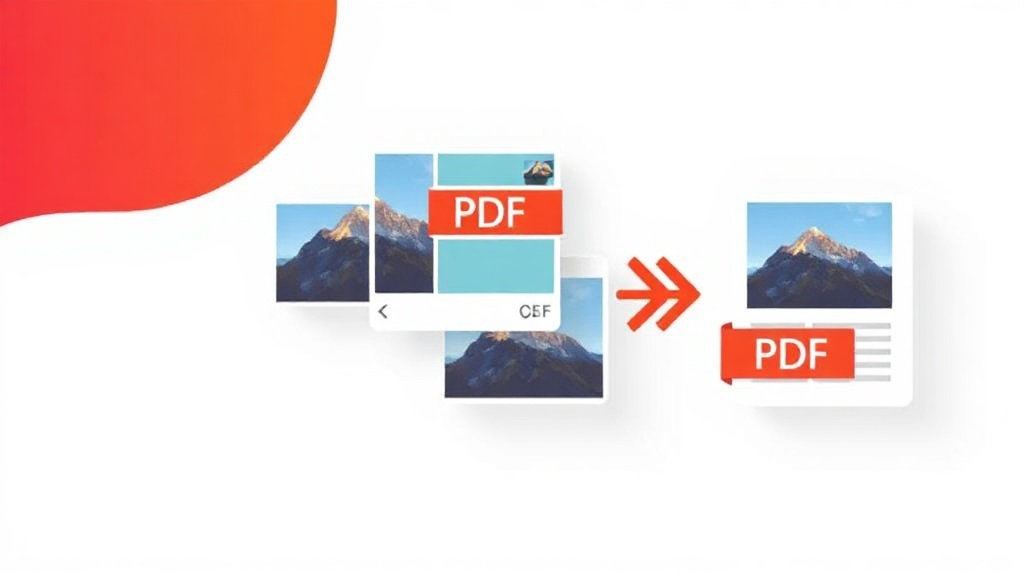
In documents we’ve gathered what people need most with a PDF: compressing it when it’s too heavy to attach to an email, merging several PDFs into one or splitting one into separate pages, and converting it to and from Office formats — PDF to Word, PDF to Excel, Word to PDF, Excel to PDF, PowerPoint to PDF — so you can edit or present it as needed. If you have photos or scans of a paper document, you can combine them into a single PDF from images, and if you need to pull text out of an image or a scanned PDF so you can copy and edit it, OCR does that automatically.
Frequently asked questions
Do I need to install anything or create an account? No. Every tool works directly in the browser, on mobile or desktop, with no software to install and no email sign-up.
Do converted files have a watermark? No, none of the tools add watermarks or crop the result.
Is there a daily conversion limit? No, you can use every tool as many times as you need, for free.
Are my files stored on the server? No, we don’t keep your files: they’re processed for the conversion and automatically deleted shortly after.
